
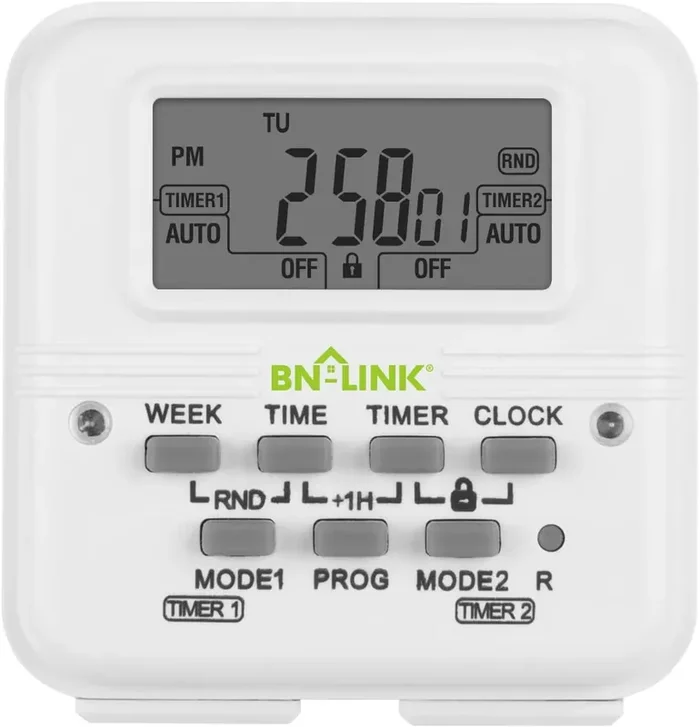
Bn-Link Digital Timer Outlet 7 Day Programmable Digital Outlet Timer With 2 Independent Outlets 3-Prong Mini Indoor Easy Set Stackable Plug-In For Lights Lamps Fans Accurate 8A/1000W 1/3Hp
Original price was: $17.00.$4.44Current price is: $4.44.
Description
Our product has an internal battery that will last 3 months when not plugged into an electrical source. If the battery needs to be recharged, the display will not turn on. You will need to plug it into an electrical source and allow it to charge for 30-45 minutes. After the timer has been fully charged, use a small pin to push the small reset button to turn on the display. Please follow these instructions for the timer to follow the program after setting the schedule.
(a) If you want the timer to be currently ON and follow the schedule, press the ON/AUTO/OFF button so ALWAYS ON is shown. Then press the same button once so AUTO is displayed.
(b) If you want the timer to be currently OFF and follow the schedule, press the ON/AUTO/OFF button so ALWAYS OFF is shown. Then press the same button once so AUTO is displayed.
JUST SET & GO: The digital timer outlet is simple to use. Choose your own individual days or simply select one of the convenient pre-set combination days.
Please contact us: [email protected]
Related products
-
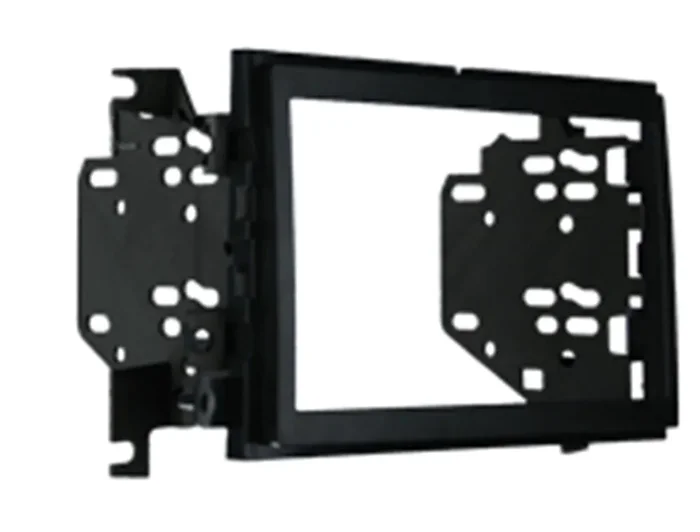
Metra 95-5822B Double Din Installation Dash Kit For 2009-2010 Ford F-150 Non-Nav Models With Driver Info Switches In Factory Panel (Matte Black)
Original price was: $36.77.$10.22Current price is: $10.22. -
Metra – Toyota 4 Runner 2010-Up – High Gloss Charcoal (99-8271Chg)
Original price was: $67.83.$17.51Current price is: $17.51. -
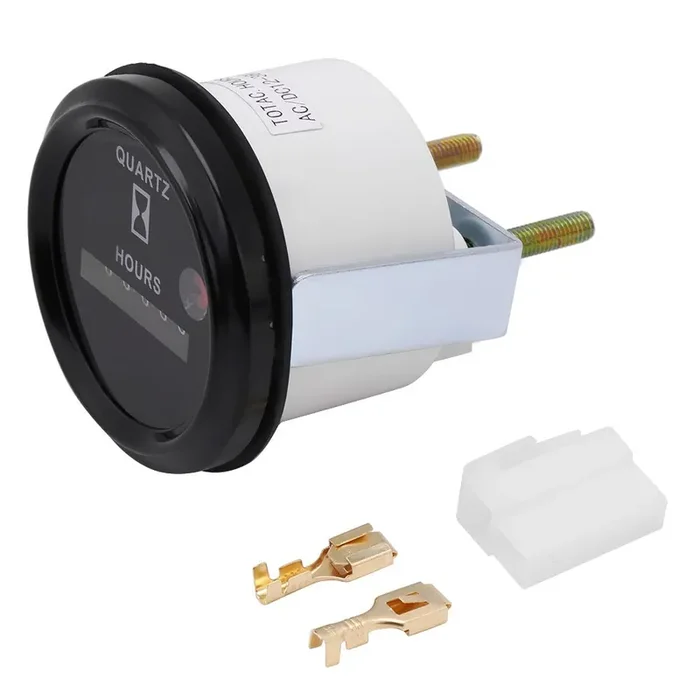
Hour Meter Gauge,Marine For Boat, Hour Meter, 6 Digit Accurate Round Quartz Hour Meter Gauge Tester For Boat Car Truck Engine
Original price was: $16.16.$4.29Current price is: $4.29. -
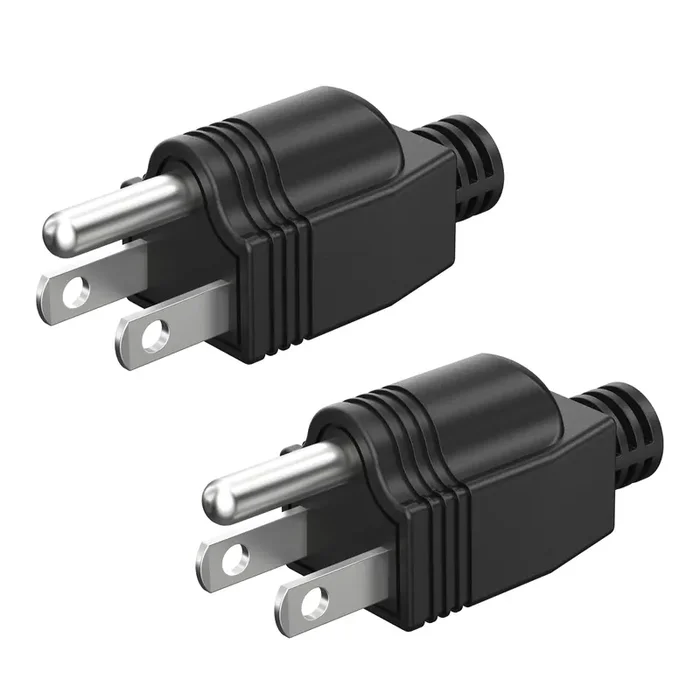
Nema 5-15P Electrical Replacement Plugs End, Extension Cord Ends 125V 15A 2Pole 3Wire Male Plug,Ground Neutral Generator Plug, 3 Prong Power Replacement Plug, 2-Pack
Original price was: $9.01.$2.56Current price is: $2.56.

Reviews
There are no reviews yet.